🎉 Up to 70% Off Selected ItemsShop Sale
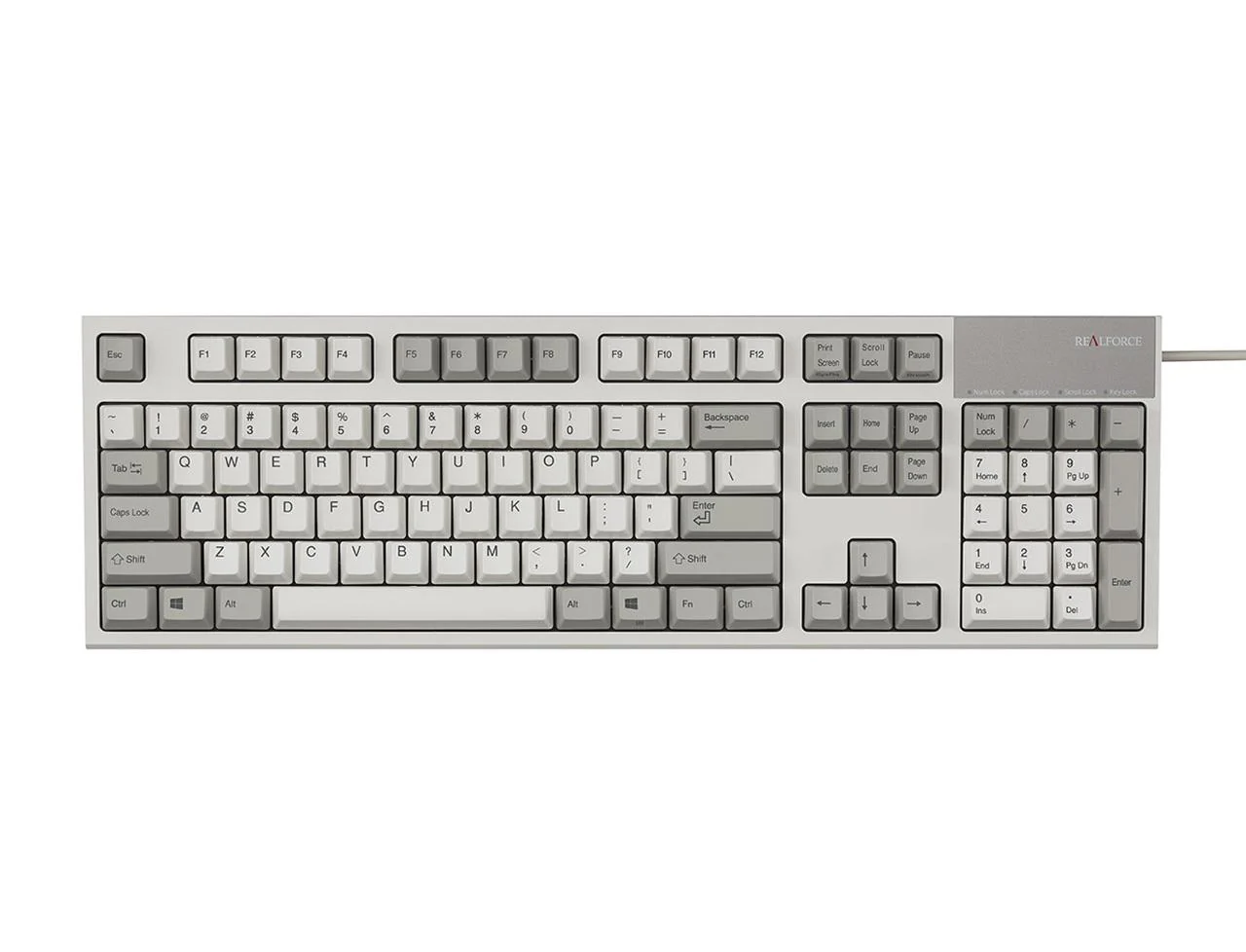
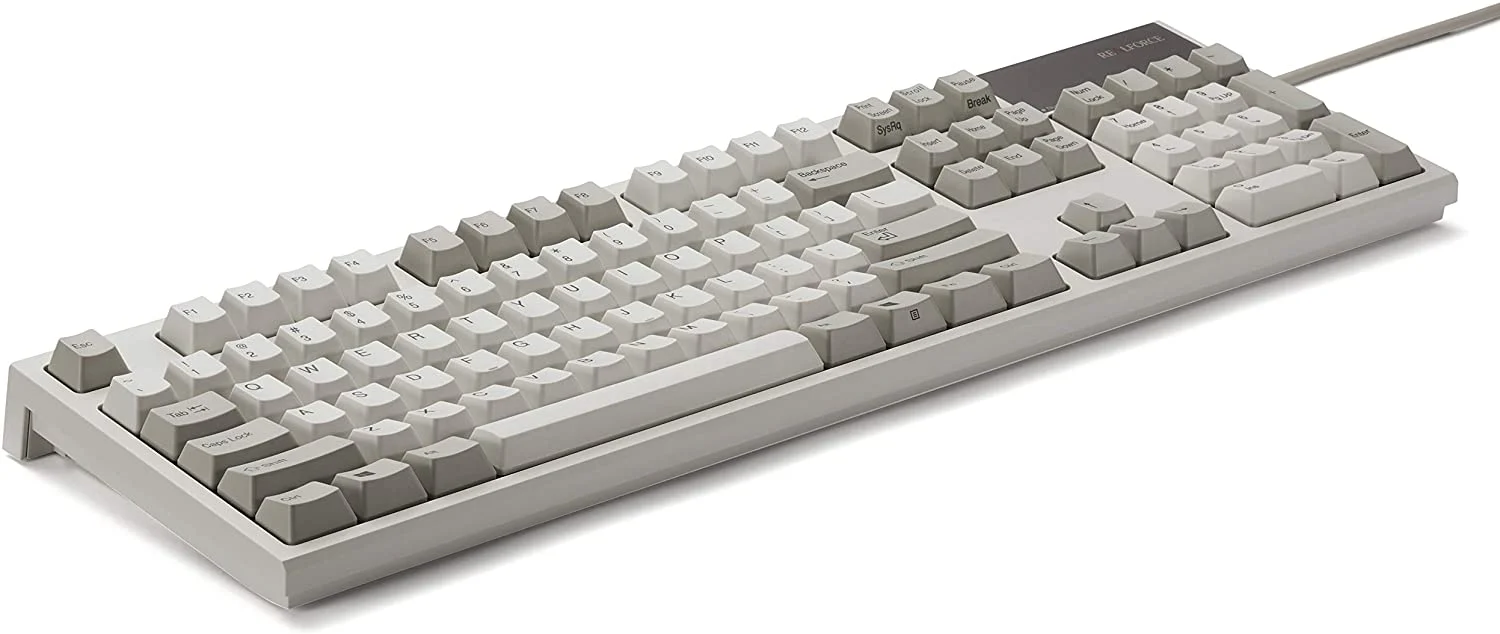
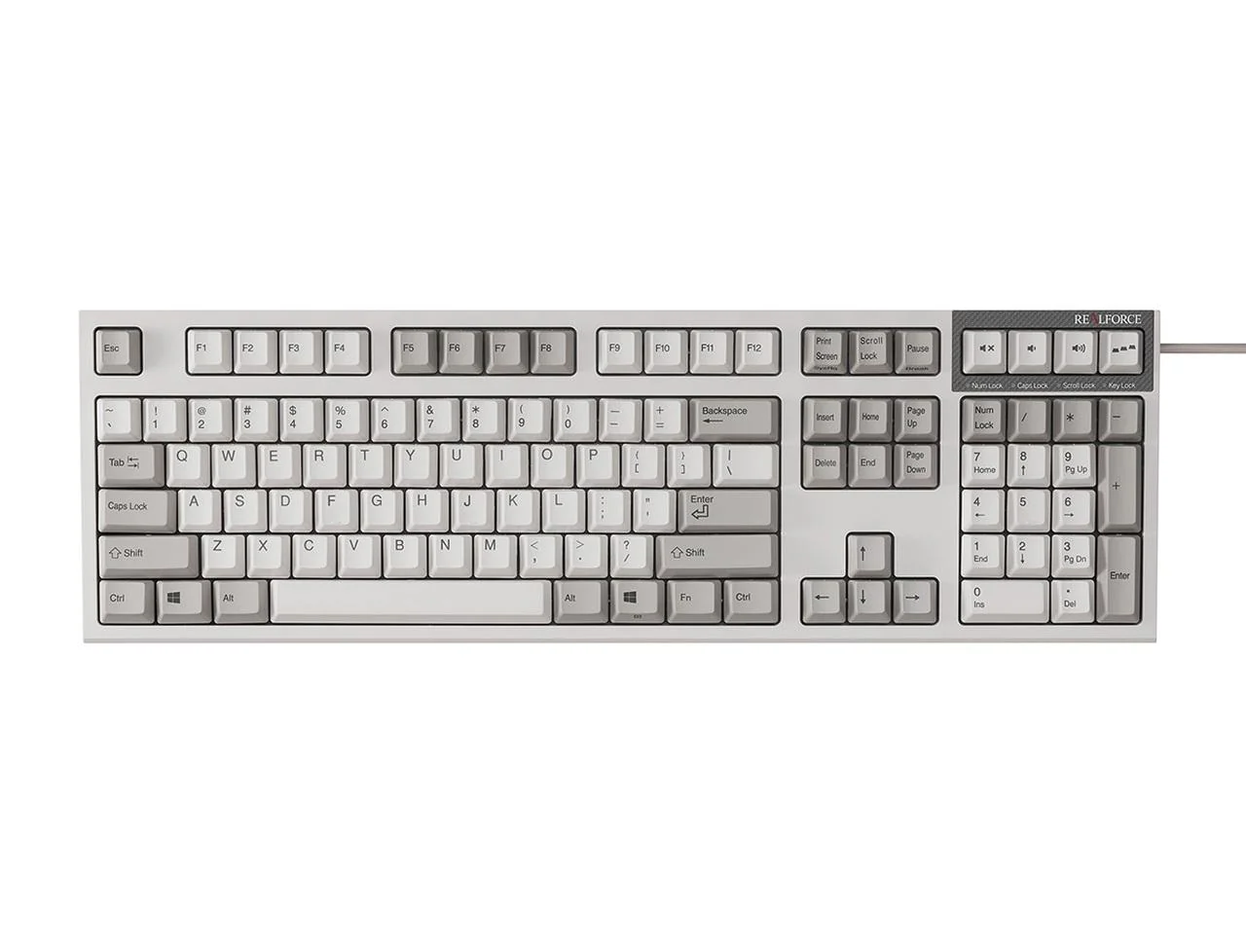
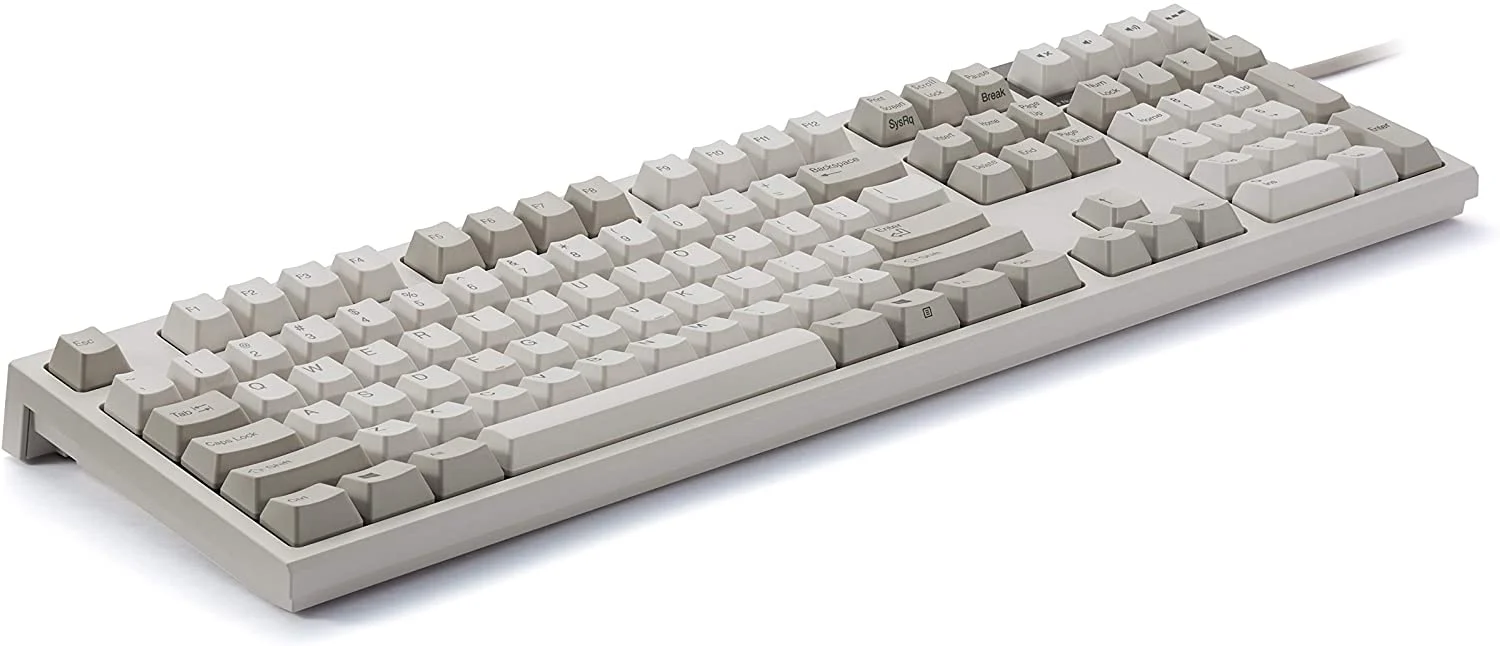
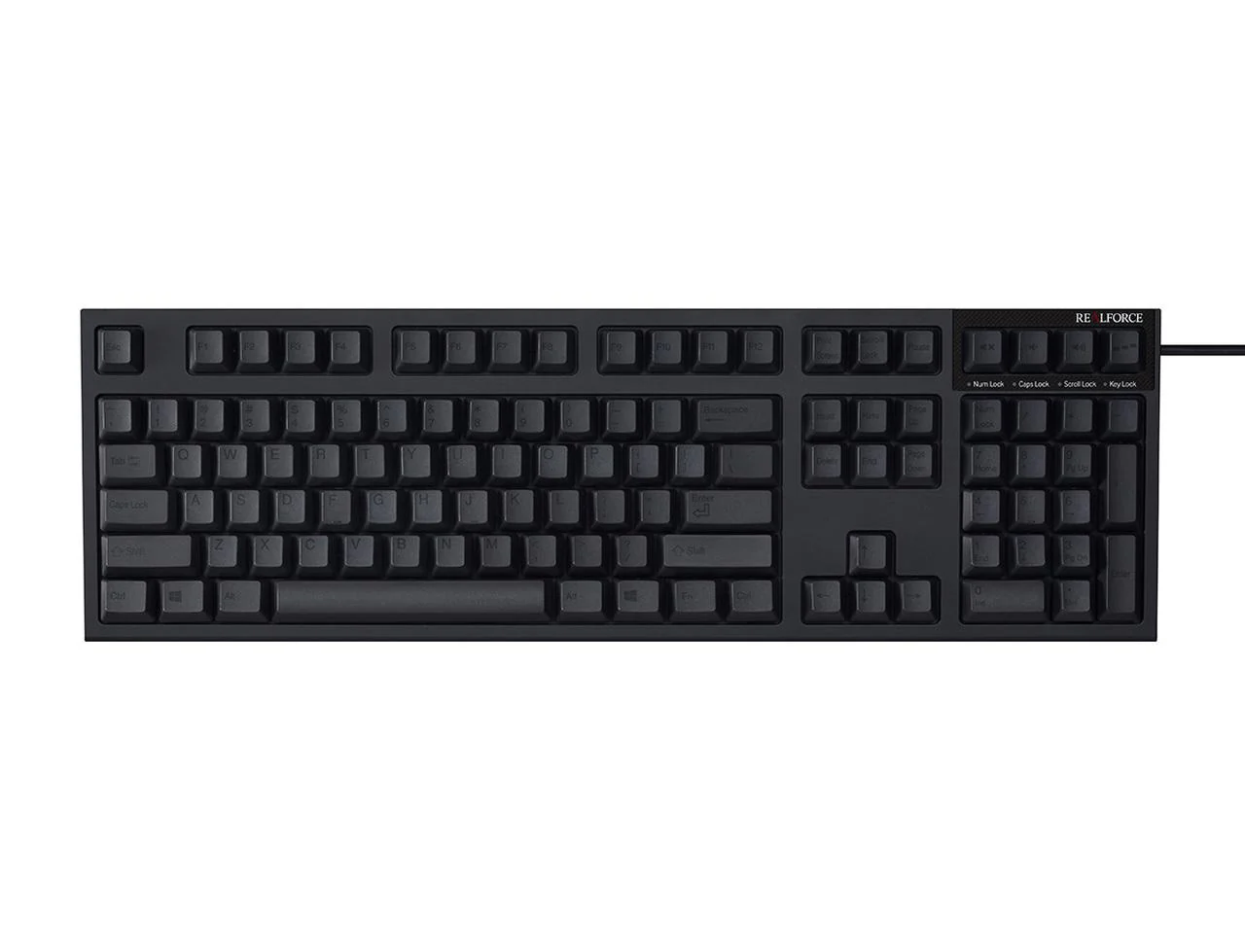
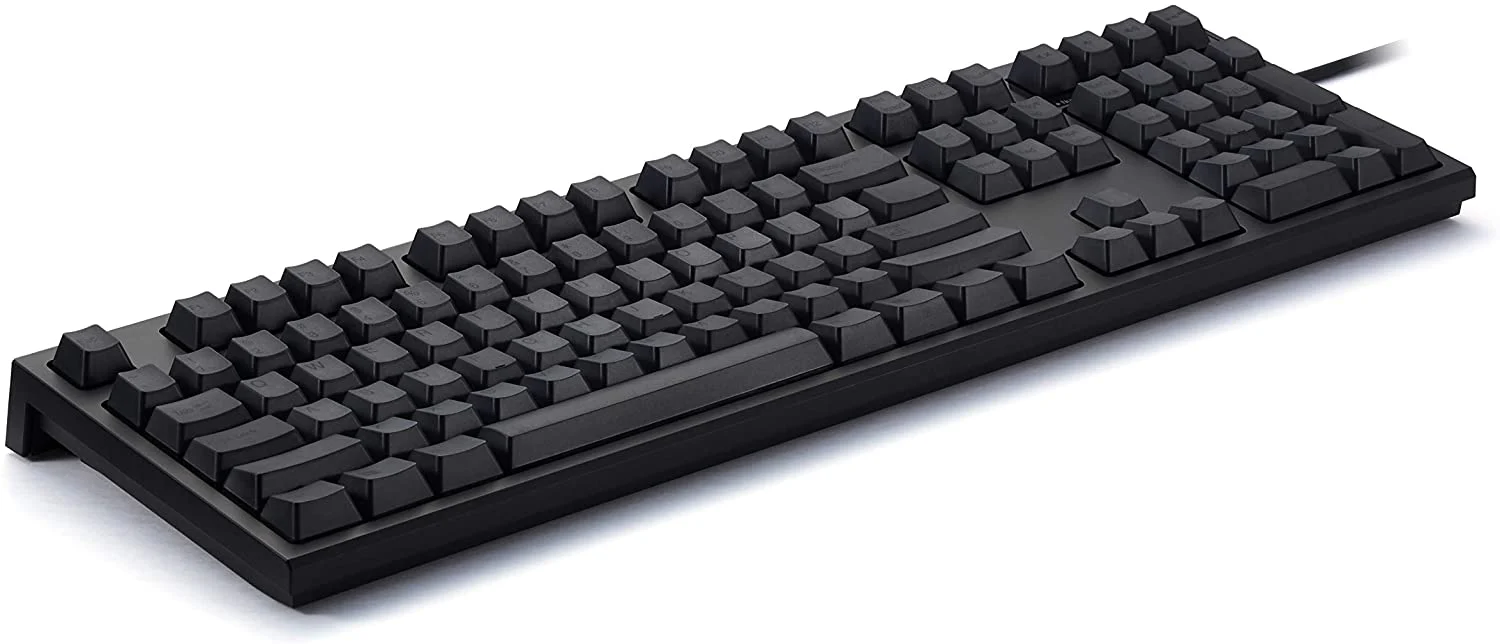
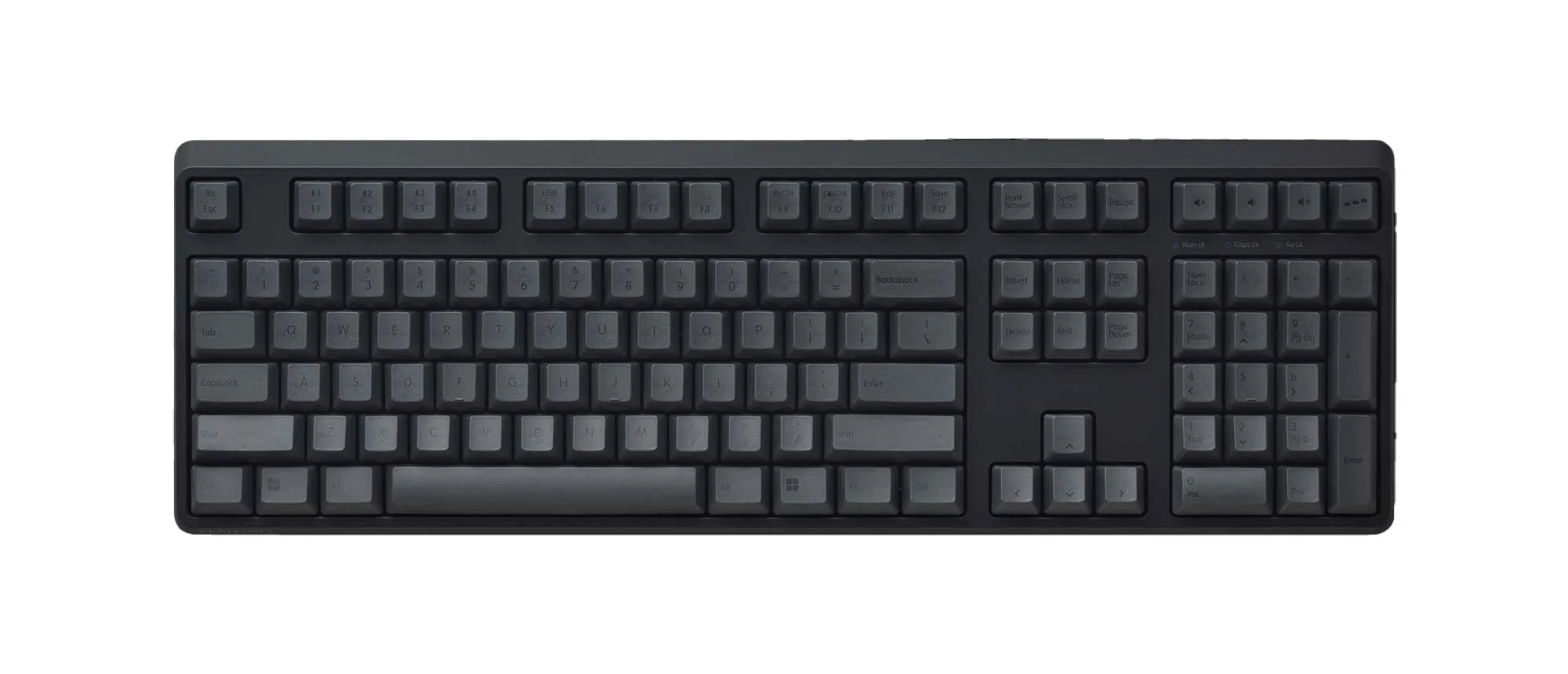
Topre Realforce R4 Wireless Keyboard
- Connect 2 ways- wired with USB-C cable or wirelessly with Bluetooth 5.0
- Connect up to 4 devices wirelessly
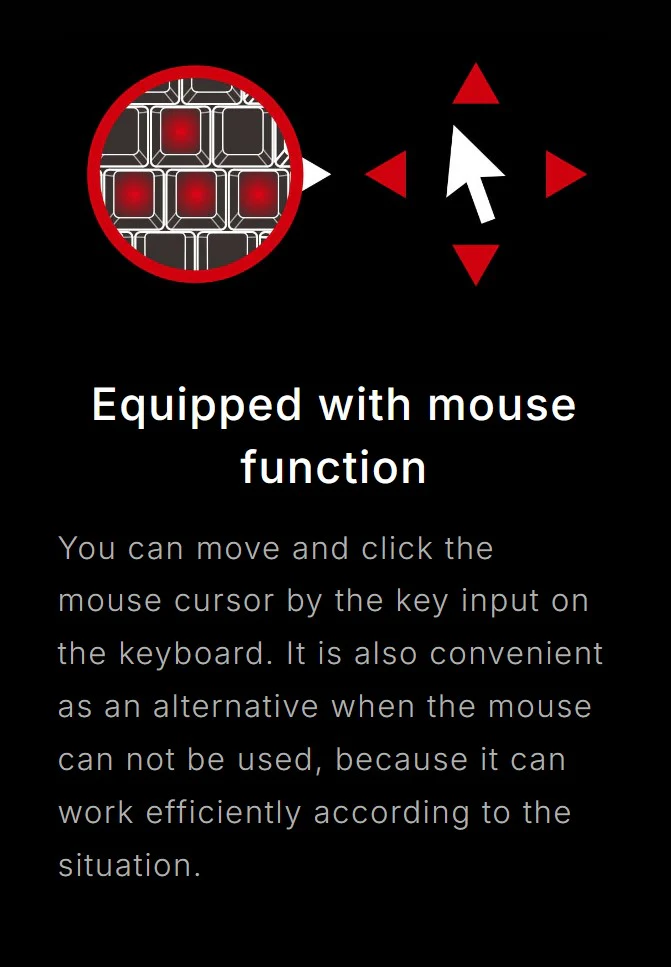
- Built-in mouse functions
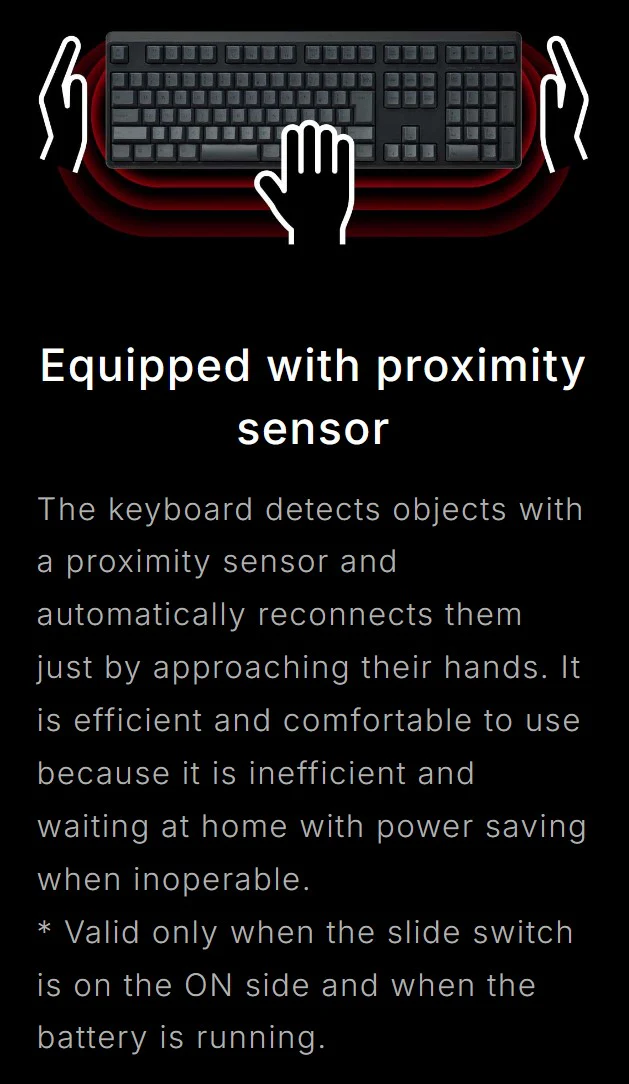
- Proximity sensors allow you to waken the keyboard with hand motions when in wireless standby mode
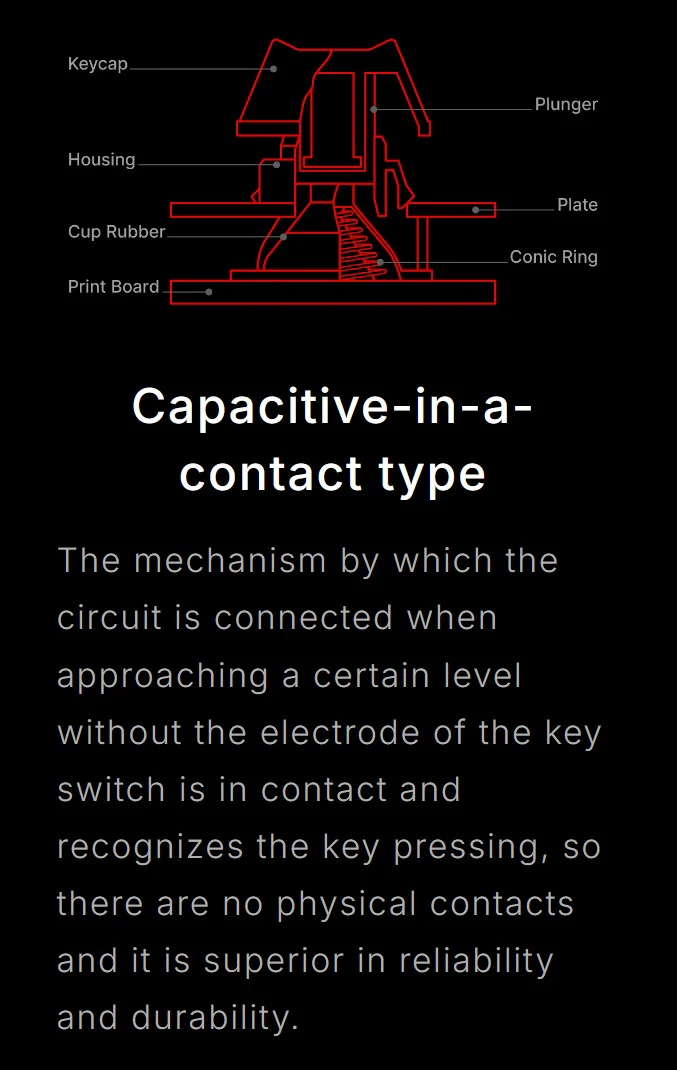
- Available in 2 different weights of genuine silent Topre capacitive switches
- Change switch actuation point in 0.1mm increments from 0.8mm to 3.0mm
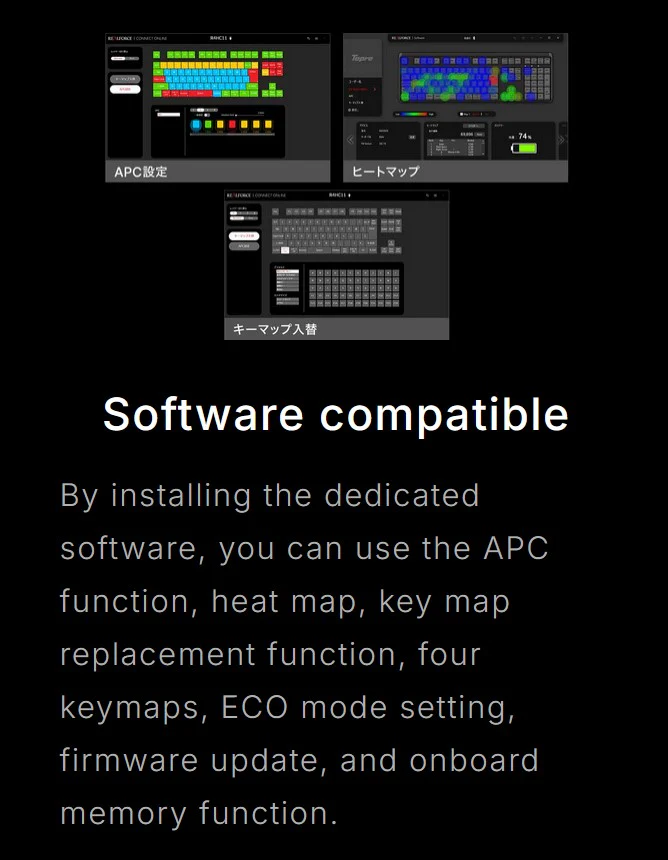
- Dedicated software for adjusting key maps, controlling APC, and setting macros
- Customized keymap and APC function settings are stored in the on-board memory, not on the PC itself
- Full N-key rollover
- Dye Sub PBT keycaps
- Wireless mode powered by 3* AAA batteries
- Save up to 4 profiles to onboard memory
Using Realforce software, Realforce R3 users can access the following settings and save their changes to the on-board memory.
- APC (Actuation Point Changer) setting: Adjust the actuation point depth of each key in 0.1mm increments starting at 0.8mm and going through 3.0mm
- Heat map: Allows you to visually check the keys you use most often and adjust them using APC or other customizable settings.
- Custom keymap function: Allows you to change the key assignments as desired.
- Key layout switching function: Switch between two key layouts (A or B) on the fly depending on the application or OS.
- ECO mode setting: Adjust the battery consumption when using Bluetooth.
- Firmware update: You can update your Realforce Keyboard firmware by yourself via the software UI.
System requires Windows 11 and later / macOS 14.5 or later
- APC (Actuation Point Changer) setting: Adjust the actuation point depth of each key in 0.1mm increments starting at 0.8mm and going through 3.0mm
- Heat map: Allows you to visually check the keys you use most often and adjust them using APC or other customizable settings.
- Custom keymap function: Allows you to change the key assignments as desired.
- Key layout switching function: Switch between two key layouts (A or B) on the fly depending on the application or OS.
- ECO mode setting: Adjust the battery consumption when using Bluetooth.
- Firmware update: You can update your Realforce Keyboard firmware by yourself via the software UI.
System requires Windows 11 and later / macOS 14.5 or later
Free Limited Edition Chopsticks!
Receive a set of Collector's Edition Round 2 Realforce Chopsticks free with your purchase of any Realforce keyboard, while supplies last. Limited quantity, will not be reprinted, and only available for a short time.

Product Information
Product Information
Shipping & Returns
Shipping & Returns
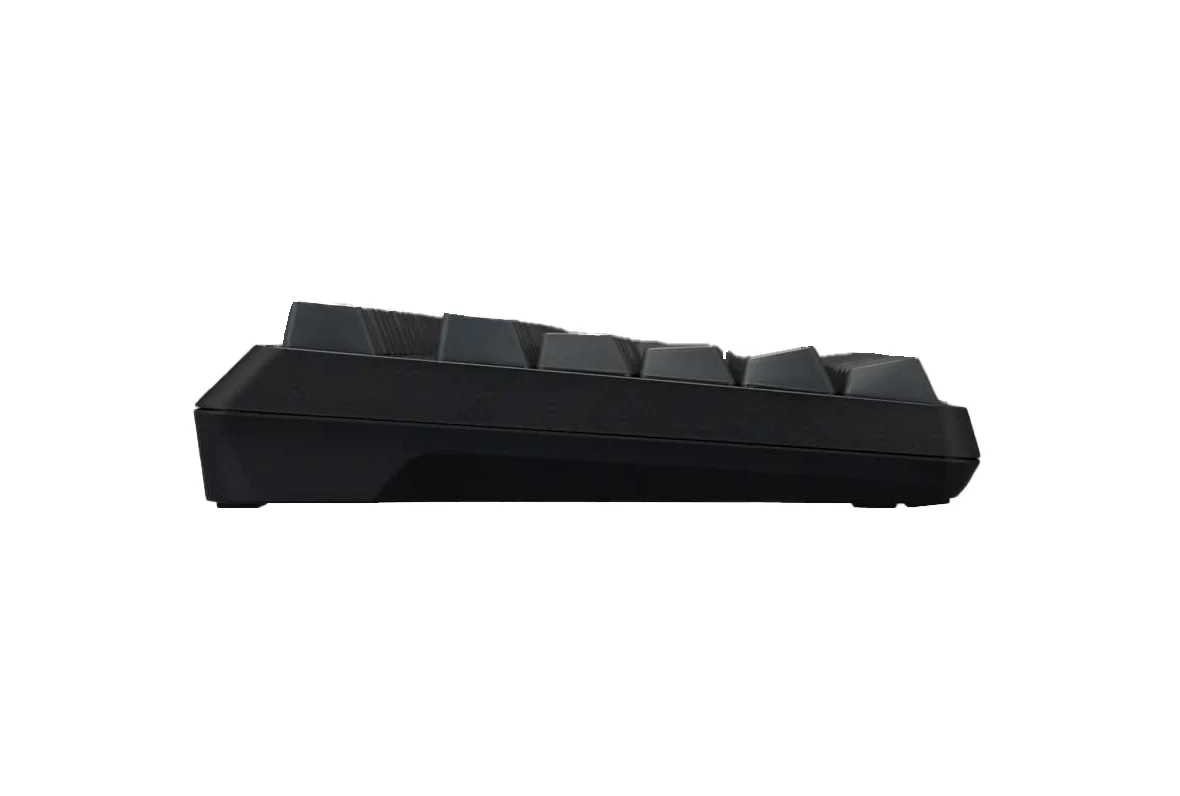
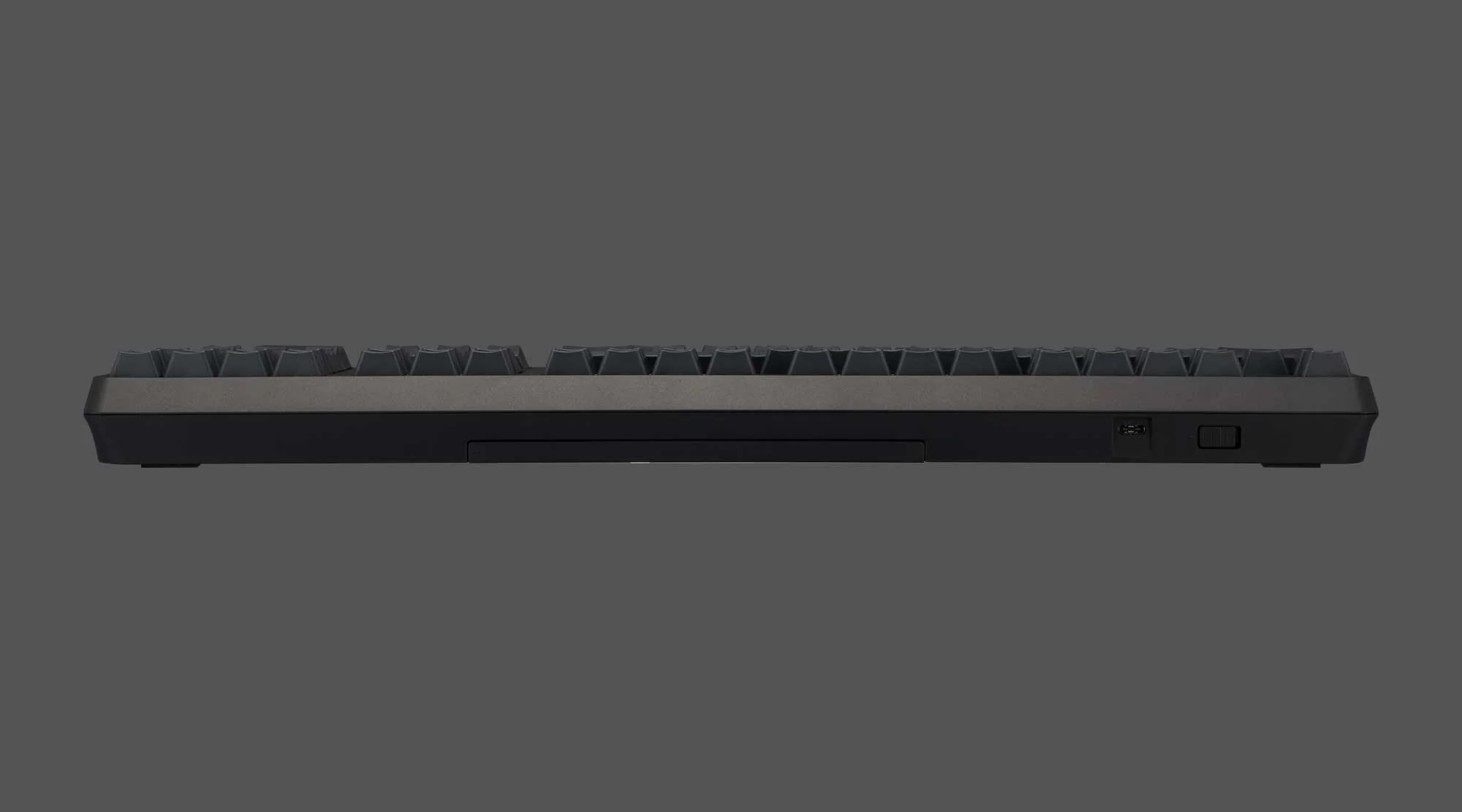
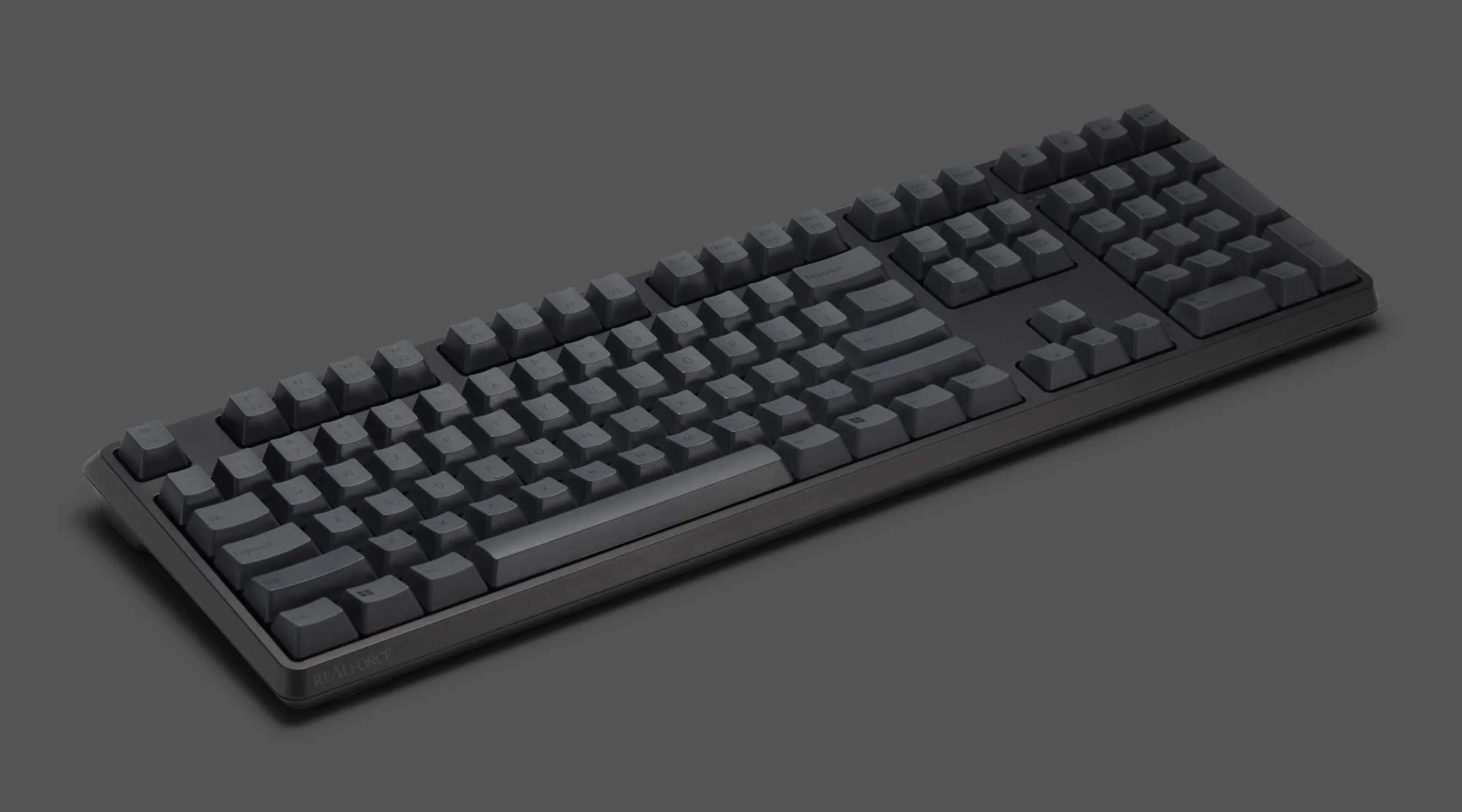
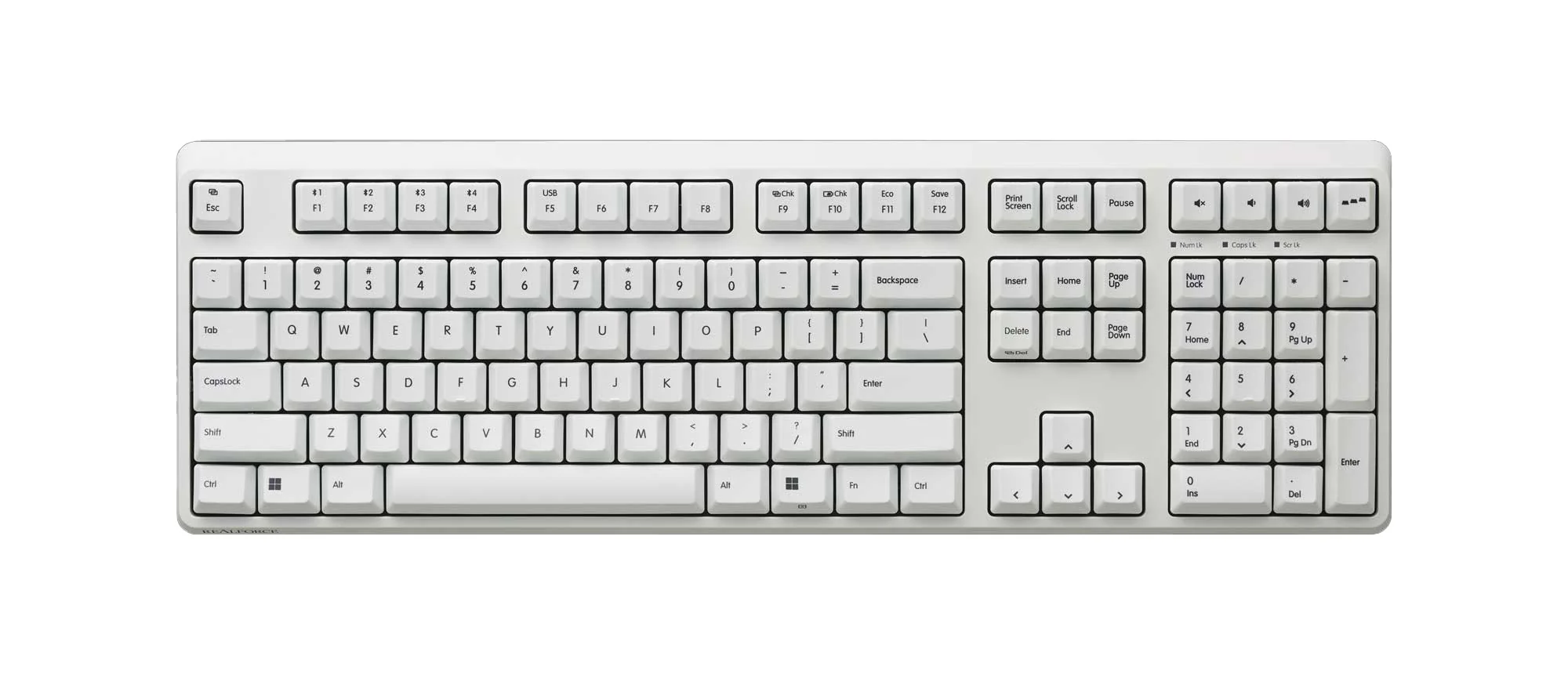
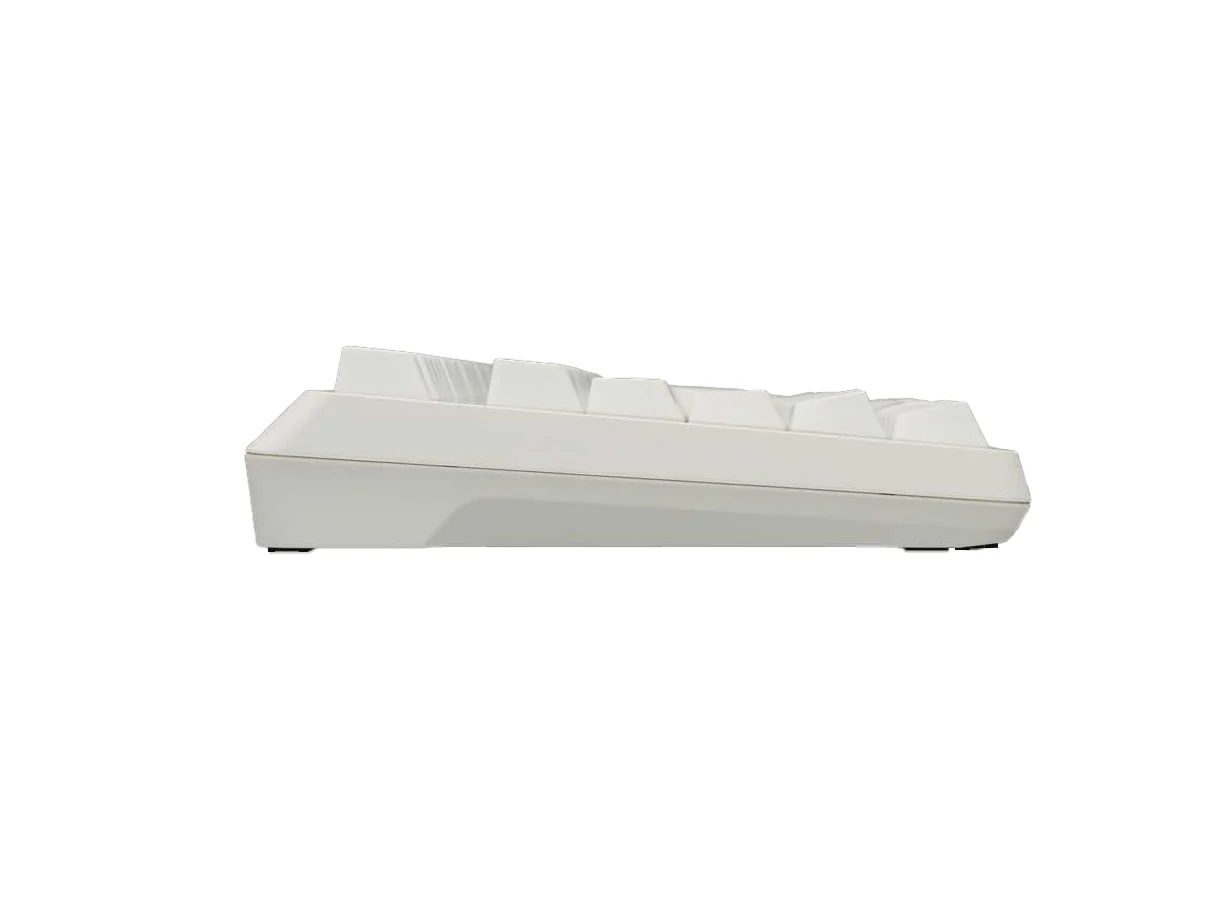
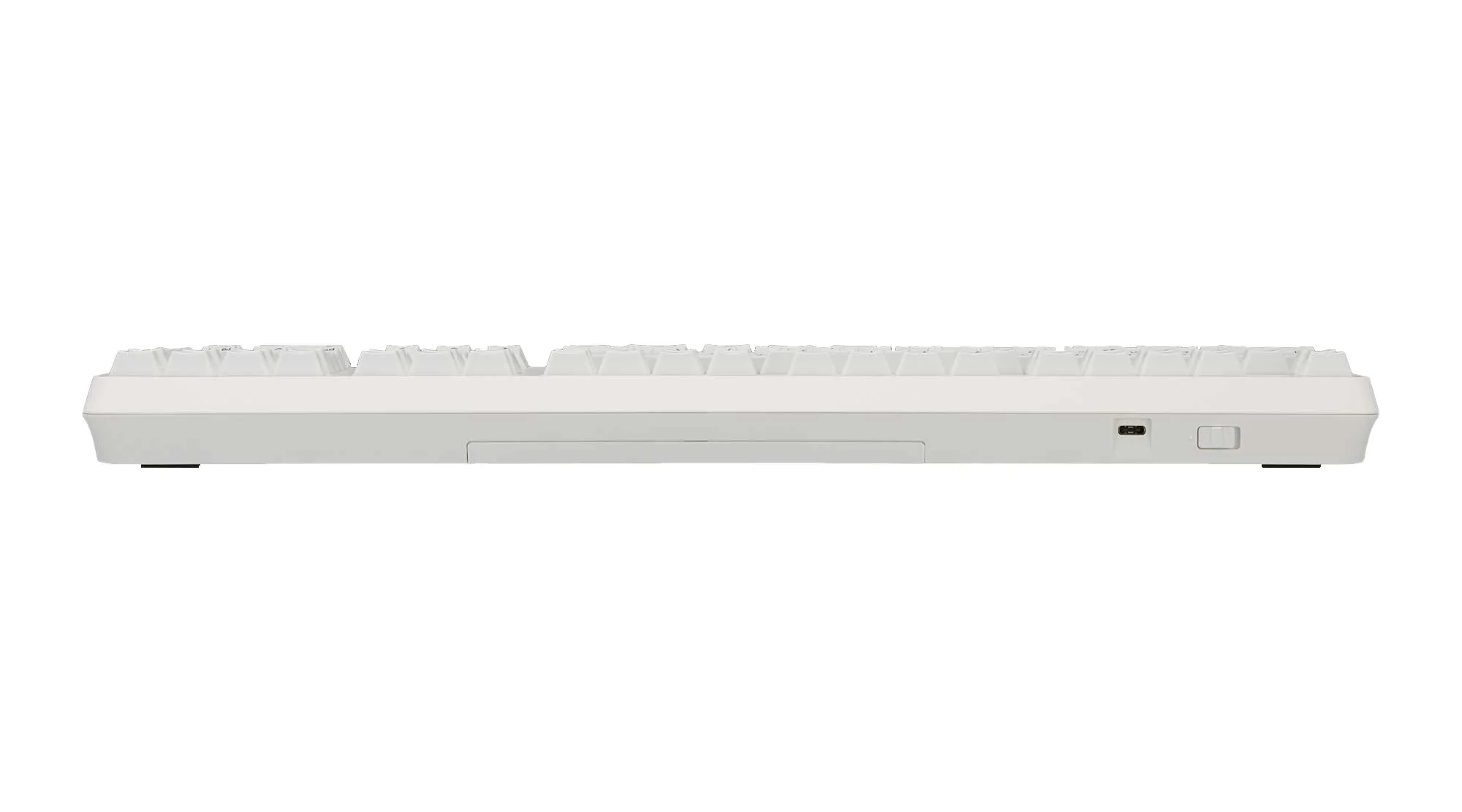
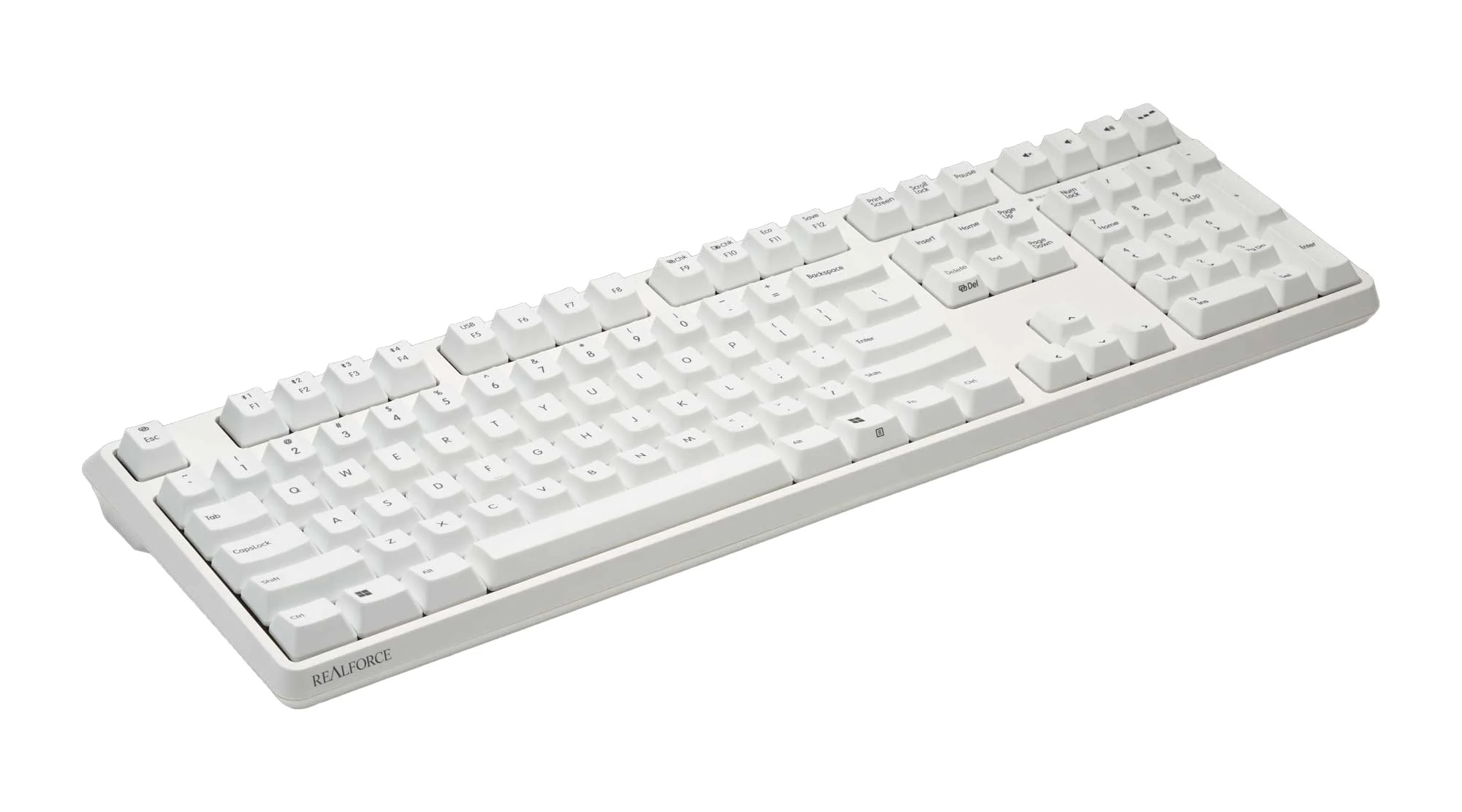
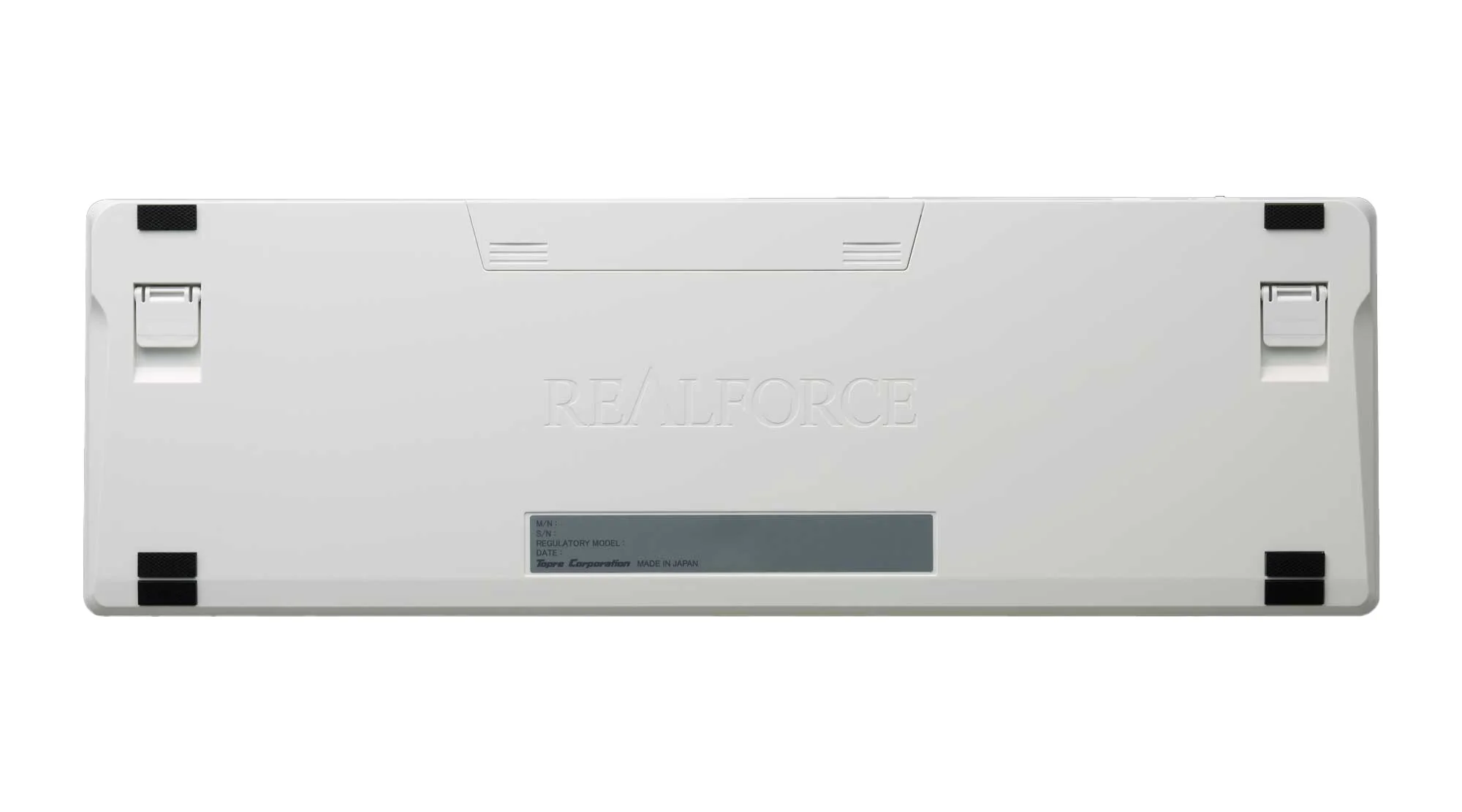
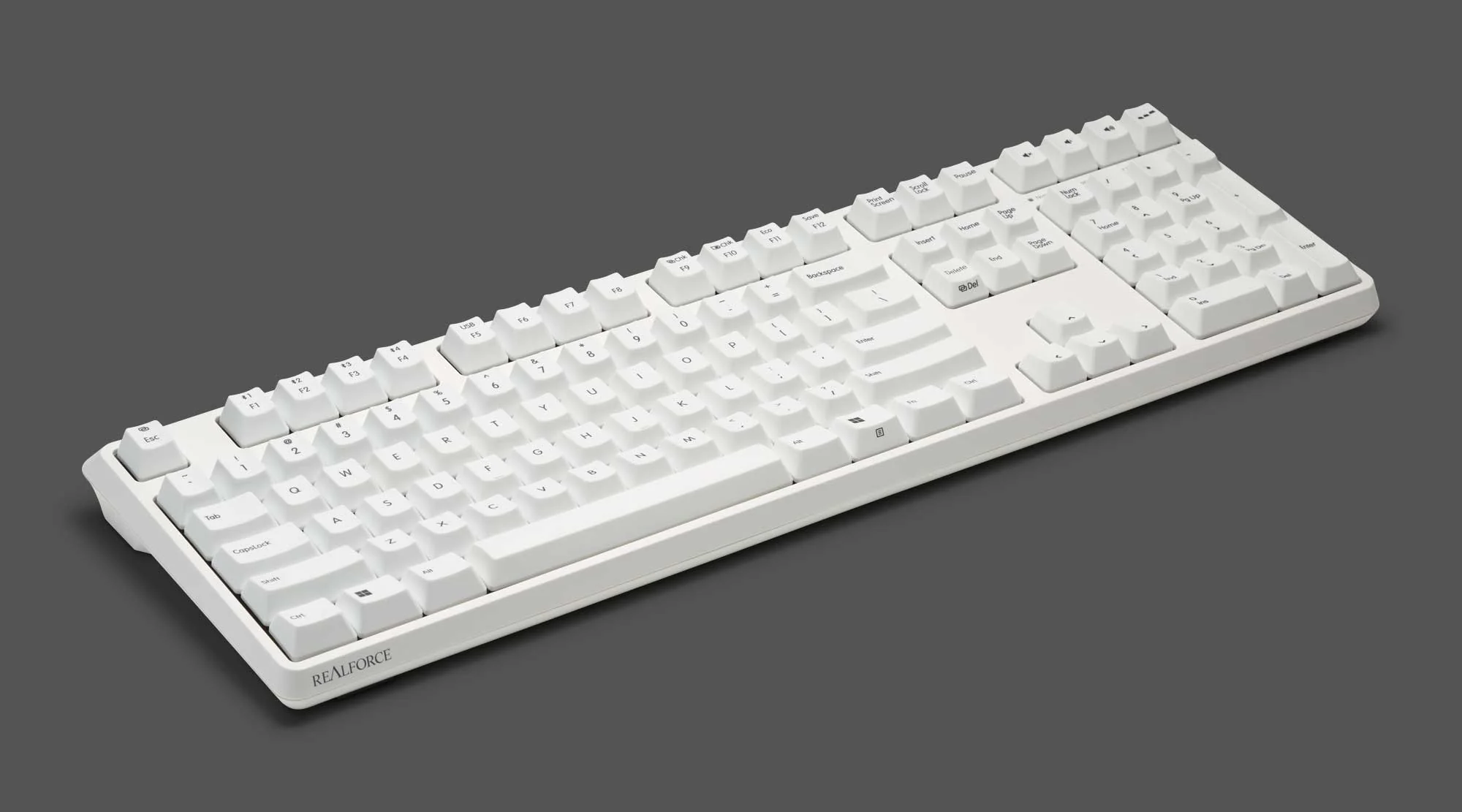
Topre Realforce R4 Wireless Keyboard
Topre Realforce R4 Wireless Keyboard
- Connect 2 ways- wired with USB-C cable or wirelessly with Bluetooth 5.0
- Connect up to 4 devices wirelessly
- Built-in mouse functions
- Proximity sensors allow you to waken the keyboard with hand motions when in wireless standby mode
- Available in 2 different weights of genuine silent Topre capacitive switches
- Change switch actuation point in 0.1mm increments from 0.8mm to 3.0mm
- Dedicated software for adjusting key maps, controlling APC, and setting macros
- Customized keymap and APC function settings are stored in the on-board memory, not on the PC itself
- Full N-key rollover
- Dye Sub PBT keycaps
- Wireless mode powered by 3* AAA batteries
- Save up to 4 profiles to onboard memory
Using Realforce software, Realforce R3 users can access the following settings and save their changes to the on-board memory.
- APC (Actuation Point Changer) setting: Adjust the actuation point depth of each key in 0.1mm increments starting at 0.8mm and going through 3.0mm
- Heat map: Allows you to visually check the keys you use most often and adjust them using APC or other customizable settings.
- Custom keymap function: Allows you to change the key assignments as desired.
- Key layout switching function: Switch between two key layouts (A or B) on the fly depending on the application or OS.
- ECO mode setting: Adjust the battery consumption when using Bluetooth.
- Firmware update: You can update your Realforce Keyboard firmware by yourself via the software UI.
System requires Windows 11 and later / macOS 14.5 or later
- APC (Actuation Point Changer) setting: Adjust the actuation point depth of each key in 0.1mm increments starting at 0.8mm and going through 3.0mm
- Heat map: Allows you to visually check the keys you use most often and adjust them using APC or other customizable settings.
- Custom keymap function: Allows you to change the key assignments as desired.
- Key layout switching function: Switch between two key layouts (A or B) on the fly depending on the application or OS.
- ECO mode setting: Adjust the battery consumption when using Bluetooth.
- Firmware update: You can update your Realforce Keyboard firmware by yourself via the software UI.
System requires Windows 11 and later / macOS 14.5 or later
Free Limited Edition Chopsticks!
Receive a set of Collector's Edition Round 2 Realforce Chopsticks free with your purchase of any Realforce keyboard, while supplies last. Limited quantity, will not be reprinted, and only available for a short time.
Select Color
Select Switch
From $91.00
Original: $260.00
-65%Topre Realforce R4 Wireless Keyboard—
$260.00
$91.00Product Information
Product Information
Shipping & Returns
Shipping & Returns
Description
- Connect 2 ways- wired with USB-C cable or wirelessly with Bluetooth 5.0
- Connect up to 4 devices wirelessly
- Built-in mouse functions
- Proximity sensors allow you to waken the keyboard with hand motions when in wireless standby mode
- Available in 2 different weights of genuine silent Topre capacitive switches
- Change switch actuation point in 0.1mm increments from 0.8mm to 3.0mm
- Dedicated software for adjusting key maps, controlling APC, and setting macros
- Customized keymap and APC function settings are stored in the on-board memory, not on the PC itself
- Full N-key rollover
- Dye Sub PBT keycaps
- Wireless mode powered by 3* AAA batteries
- Save up to 4 profiles to onboard memory
Using Realforce software, Realforce R3 users can access the following settings and save their changes to the on-board memory.
- APC (Actuation Point Changer) setting: Adjust the actuation point depth of each key in 0.1mm increments starting at 0.8mm and going through 3.0mm
- Heat map: Allows you to visually check the keys you use most often and adjust them using APC or other customizable settings.
- Custom keymap function: Allows you to change the key assignments as desired.
- Key layout switching function: Switch between two key layouts (A or B) on the fly depending on the application or OS.
- ECO mode setting: Adjust the battery consumption when using Bluetooth.
- Firmware update: You can update your Realforce Keyboard firmware by yourself via the software UI.
System requires Windows 11 and later / macOS 14.5 or later
- APC (Actuation Point Changer) setting: Adjust the actuation point depth of each key in 0.1mm increments starting at 0.8mm and going through 3.0mm
- Heat map: Allows you to visually check the keys you use most often and adjust them using APC or other customizable settings.
- Custom keymap function: Allows you to change the key assignments as desired.
- Key layout switching function: Switch between two key layouts (A or B) on the fly depending on the application or OS.
- ECO mode setting: Adjust the battery consumption when using Bluetooth.
- Firmware update: You can update your Realforce Keyboard firmware by yourself via the software UI.
System requires Windows 11 and later / macOS 14.5 or later
Free Limited Edition Chopsticks!
Receive a set of Collector's Edition Round 2 Realforce Chopsticks free with your purchase of any Realforce keyboard, while supplies last. Limited quantity, will not be reprinted, and only available for a short time.